All features
Six screens that cover the whole station workflow — from connecting to exporting data.
How it works
Three steps from plugging in the cable to a finished rework.
Connect the station
Pick a port, baud rate and address — or try the SIMULATOR with no hardware.
Set up or load a profile
8 steps of ramp/target/dwell, or load a saved preset from the library.
Run & watch
A live chart, export any time, optionally automatic CSV recording too.
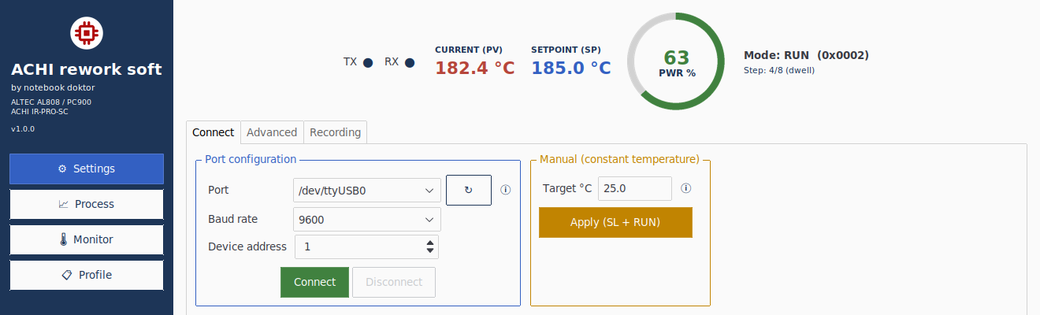
Port, baud rate, address — or the built‑in simulator with no hardware. Plus manual constant‑temperature hold.
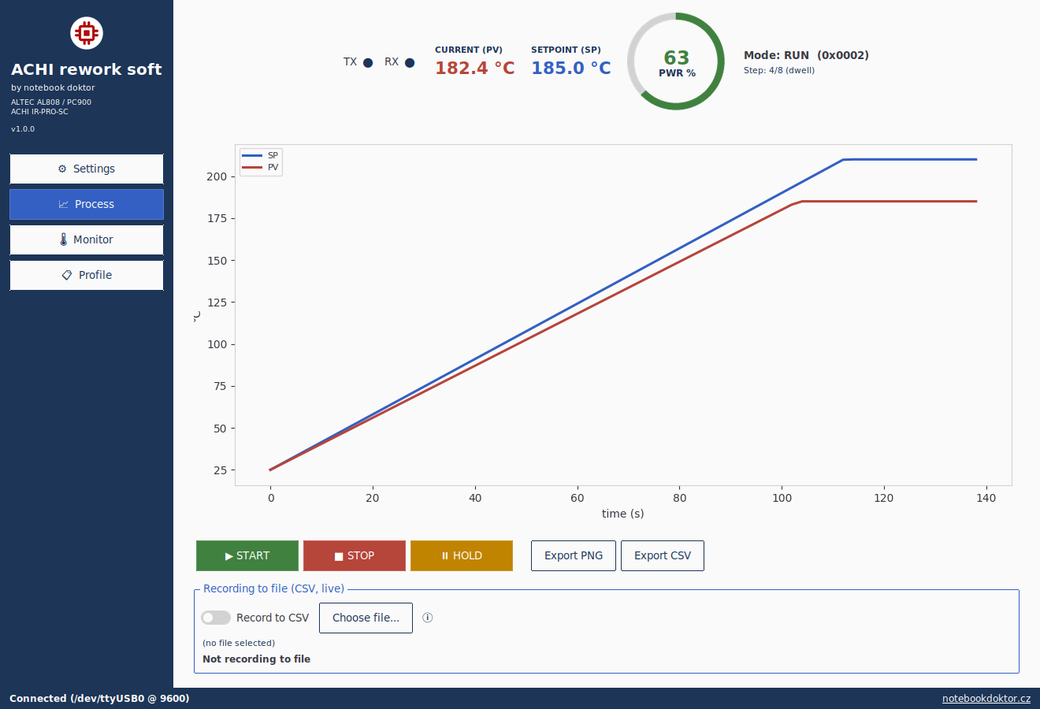
Live PV/SP chart, power meter, running the program with the same commands as the station's panel.
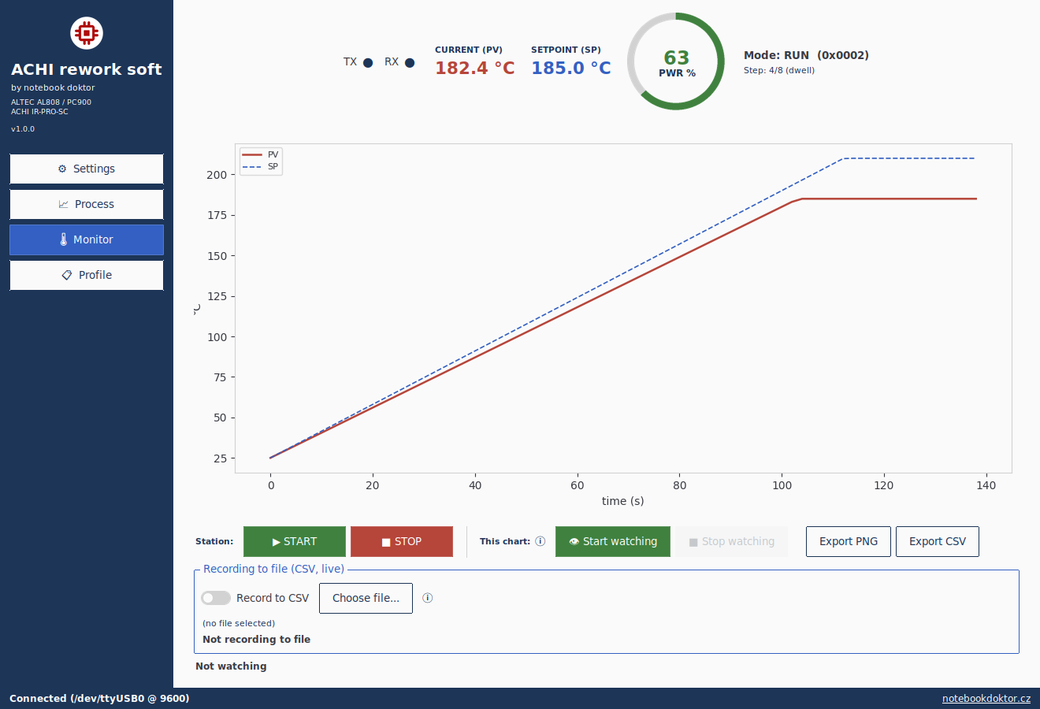
A passive watch of a station already running elsewhere, kept separate from live file recording.

One switch — the app writes a CSV for every run on its own, named after the profile and timestamp.
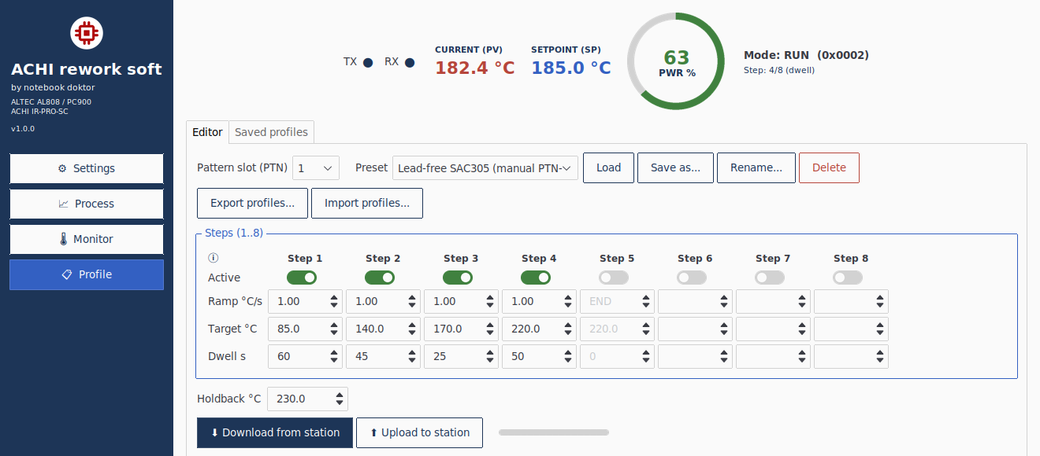
Ramp/target/dwell for up to 8 steps, PTN slots, local presets, and JSON import/export.
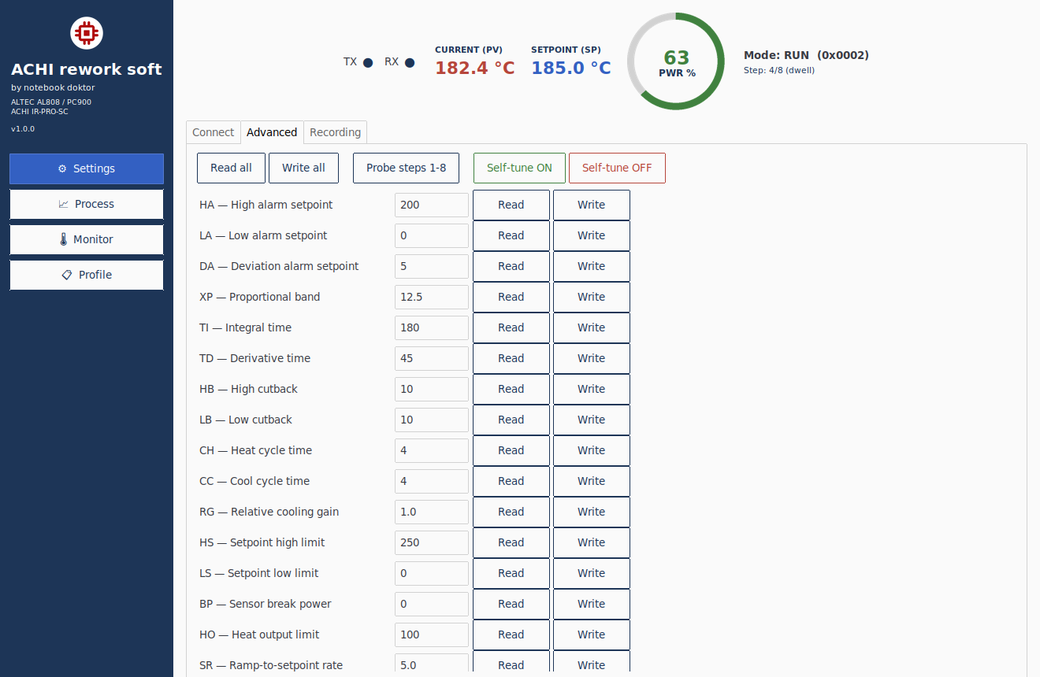
Direct access to the controller's PID, alarms and limits for service work and tuning.